Proxmox VE Scripts

Home Assistant OS VM

This script automates the process of creating a Virtual Machine (VM) using the official KVM (qcow2) disk image provided by the Home Assistant Team. It involves finding, downloading, and extracting the image, defining user-defined settings, importing and attaching the disk, setting the boot order, and starting the VM. It supports various storage types, and does not involve any hidden installations. After the script completes, click on the VM, then on the Summary tab to find the VM IP.

Technitium DNS LXC

Technitium DNS Server is a free, open-source and privacy-focused DNS (Domain Name System) server software for Windows, Linux, and macOS. It is designed to provide a secure, fast, and reliable DNS resolution service to its users. The server can be configured through a web-based interface, and it supports a variety of advanced features, such as automatic IP updates, IPv6 support, caching of DNS queries, and the ability to block unwanted domains. It is also designed to be highly secure, with built-in measures to prevent common types of DNS attacks and data leaks. Technitium DNS Server is aimed at providing an alternative to traditional DNS servers, which often have privacy and security concerns associated with them, and it is ideal for users who are looking for a more secure and private DNS resolution service.

Pi-Hole

Pi-Hole LXC

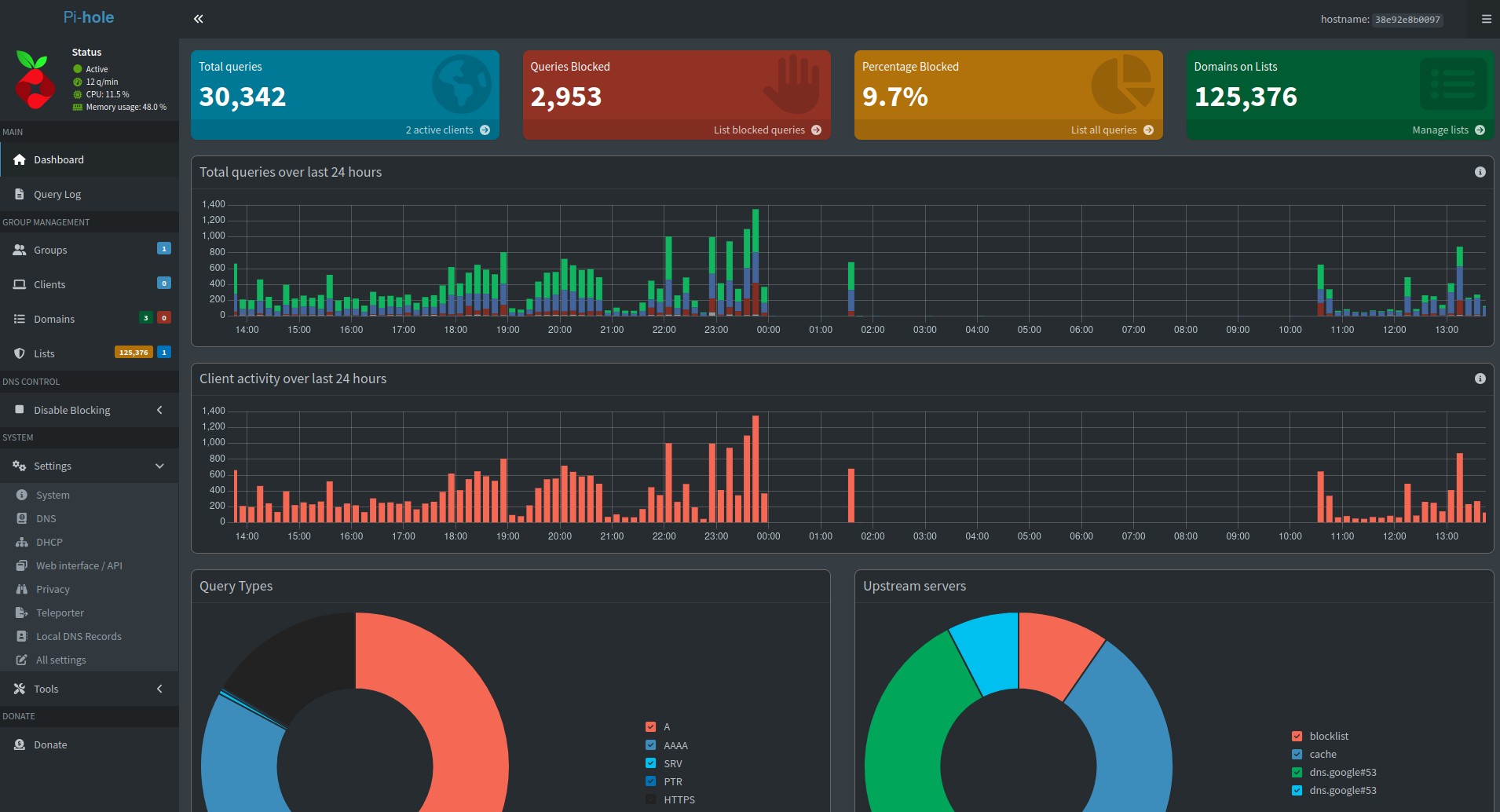
Pi-hole is a free, open-source network-level advertisement and Internet tracker blocking application. It runs on a Raspberry Pi or other Linux-based systems and acts as a DNS sinkhole, blocking unwanted traffic before it reaches a user's device. Pi-hole can also function as a DHCP server, providing IP addresses and other network configuration information to devices on a network. The software is highly configurable and supports a wide range of customizations, such as allowing or blocking specific domains, setting up blocklists and whitelists, and customizing the appearance of the web-based interface. The main purpose of Pi-hole is to protect users' privacy and security by blocking unwanted and potentially malicious content, such as ads, trackers, and malware. It is designed to be easy to set up and use, and can be configured through a web-based interface or through a terminal-based command-line interface.

AdGuard Home

AdGuard Home LXC

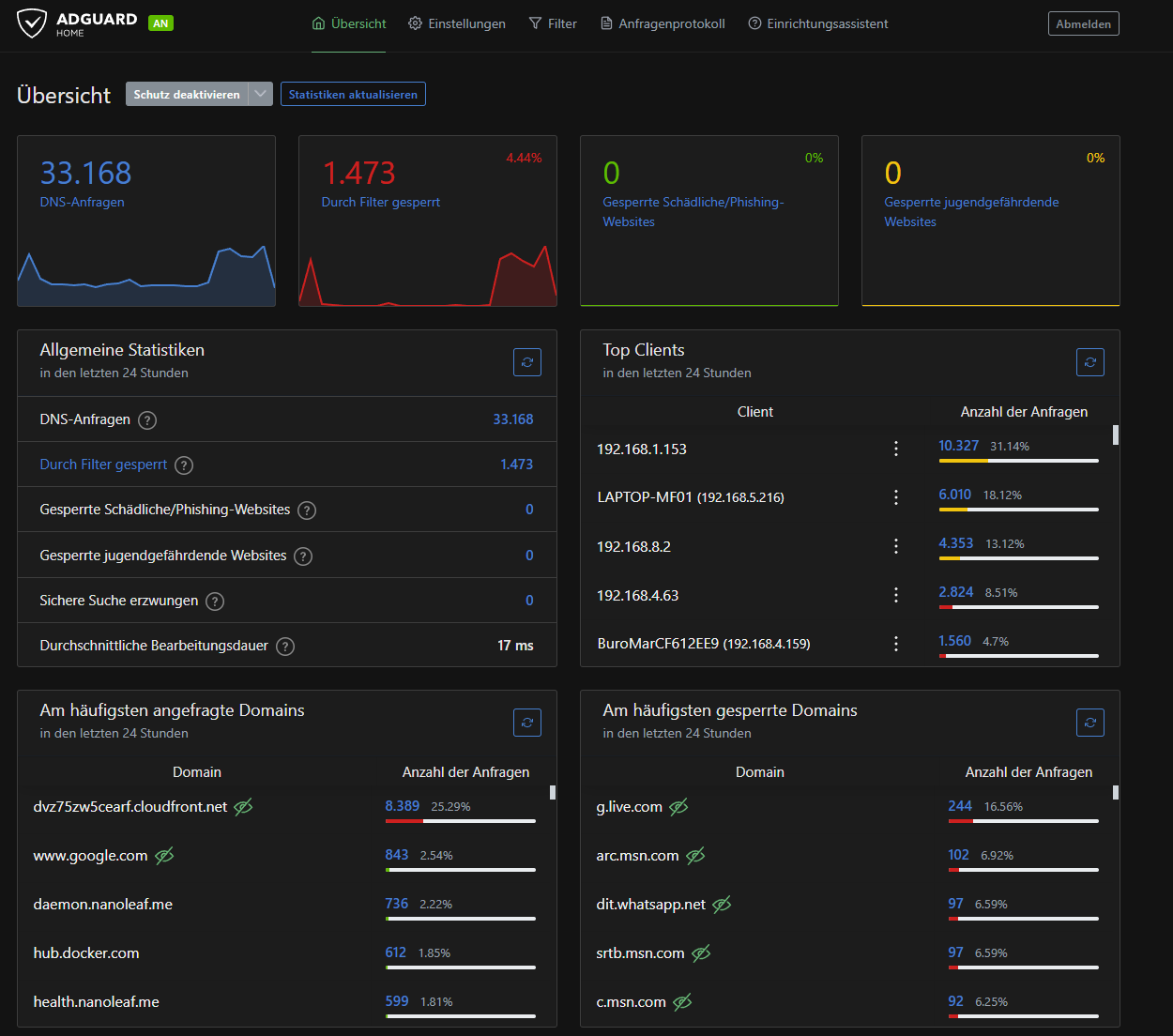
AdGuard Home is an open-source, self-hosted network-wide ad blocker. It blocks advertisements, trackers, phishing and malware websites, and provides protection against online threats. AdGuard Home is a DNS-based solution, which means it blocks ads and malicious content at the network level, before it even reaches your device. It runs on your home network and can be easily configured and managed through a web-based interface. It provides detailed statistics and logs, allowing you to see which websites are being blocked, and why. AdGuard Home is designed to be fast, lightweight, and easy to use, making it an ideal solution for home users who want to block ads, protect their privacy, and improve the speed and security of their online experience.