Frigate without Docker
Frigate is a complete and local NVR (Network Video Recorder) with realtime AI object detection for CCTV cameras.
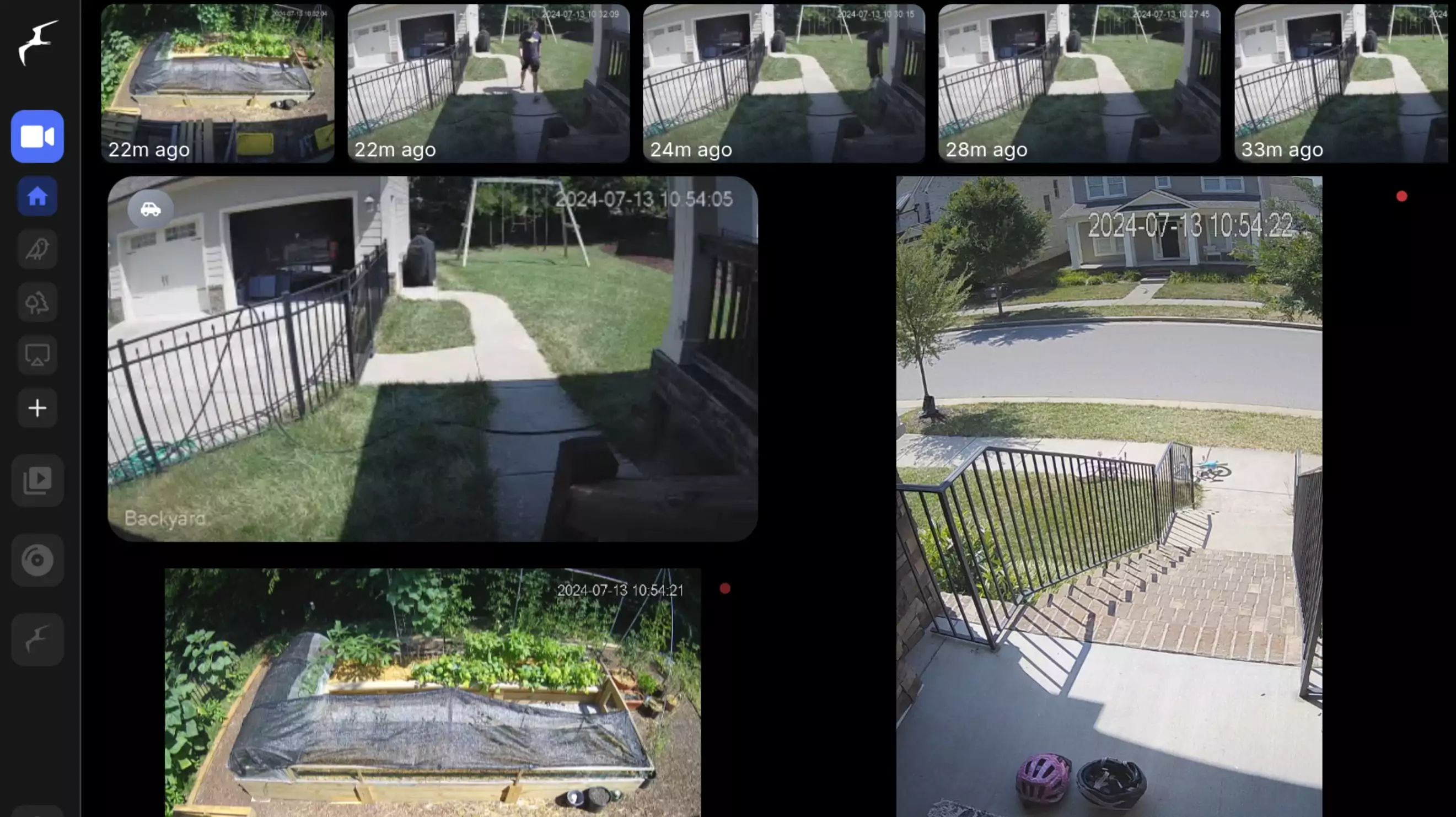
Frigate without Docker
Installation
Default install:
1
bash -c "$(curl -fsSL https://raw.githubusercontent.com/Mati-l33t/frigate-proxmox/main/ct/frigate.sh)"
Configuration
Config file:
1
/config/config.yml
Notes
- No Docker — Frigate runs natively as a systemd service inside an LXC container
- AVX auto-detection — automatically selects the correct object detector based on your CPU
- CPUs with AVX (Intel Sandy Bridge 2011+): OpenVino hardware-accelerated detector
- CPUs without AVX (e.g. Xeon X5650, older Westmere): CPU/TFLite detector — no crashes
- Automatic device passthrough — detects and configures GPU and Coral TPU automatically
- Dual-port access — authenticated web UI on port 8971, unauthenticated internal access on port 5000
- Default & Advanced install modes — simple one-click defaults or full control over every setting
- Built-in update utility — run
updateinside the container to upgrade Frigate - Clean MOTD — shows hostname, IP, and access URLs on every login
Web Interface
Links
This post is licensed under CC BY 4.0 by the author.