Pi-Hole
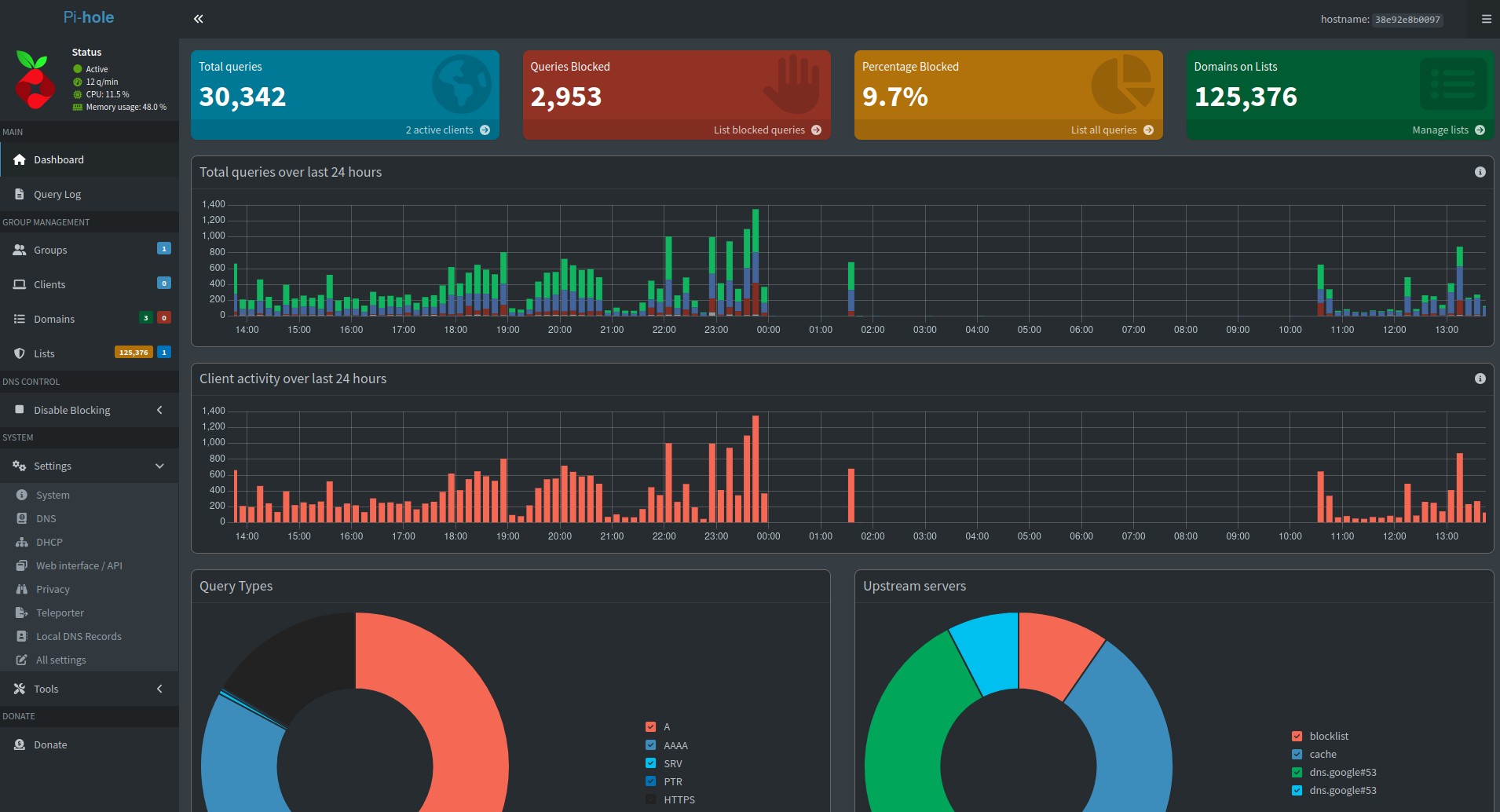
Pi-hole is a free, open-source network-level advertisement and Internet tracker blocking application. It runs on a Raspberry Pi or other Linux-based systems and acts as a DNS sinkhole, blocking unwanted traffic before it reaches a user's device. Pi-hole can also function as a DHCP server, providing IP addresses and other network configuration information to devices on a network. The software is highly configurable and supports a wide range of customizations, such as allowing or blocking specific domains, setting up blocklists and whitelists, and customizing the appearance of the web-based interface. The main purpose of Pi-hole is to protect users' privacy and security by blocking unwanted and potentially malicious content, such as ads, trackers, and malware. It is designed to be easy to set up and use, and can be configured through a web-based interface or through a terminal-based command-line interface.
Installation
Default install:
1
bash -c "$(wget -qLO - https://github.com/community-scripts/ProxmoxVE/raw/main/ct/pihole.sh)"
Configuration
Config file:
1
/etc/pihole/pihole.toml
Notes
pihole setpassword