Pangolin
Pangolin securely routes traffic over WireGuard tunnels to any private network. It works like a reverse proxy that spans multiple networks — no public IPs, DNS setup, or certificates required.
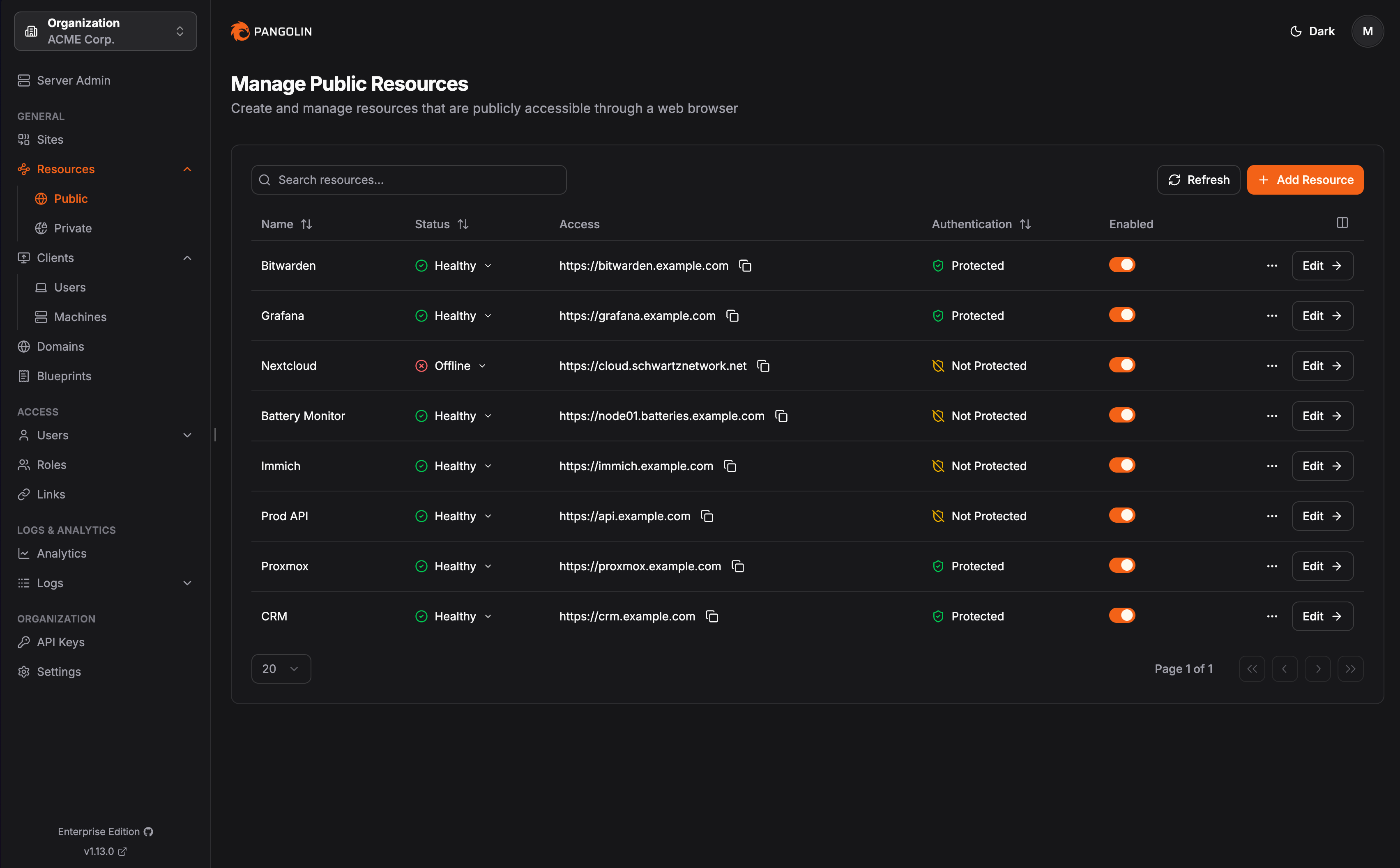
Pangolin
Installation
Default install:
1
bash -c "$(wget -qLO - https://github.com/community-scripts/ProxmoxVE/raw/main/ct/pangolin.sh)"
Configuration
Config file:
1
/opt/pangolin/config/config.yml
Notes
Type
journalctl -u pangolin | grep -oP 'Token:\s*\K\w+' into LXC console to get admin token which you will use to create admin account.LXC has 4GB of RAM set initially for the build stage. After installation finishes, you can decrease the RAM allocated to 1024MB or 512MB even.
Make sure you edit
/opt/pangolin/config/config.yml and change it to match your needsWeb Interface
Links
This post is licensed under CC BY 4.0 by the author.