OpenCloud
OpenCloud is the file sharing and collaboration solution of the Heinlein Group. Through intelligent file management and a strong open source community, files become valuable resources, effectively structured and usable in the long term. With flexible data rooms and intelligent access rights, teams can access and work together on data anytime, anywhere without barriers, but with a lot of productivity.
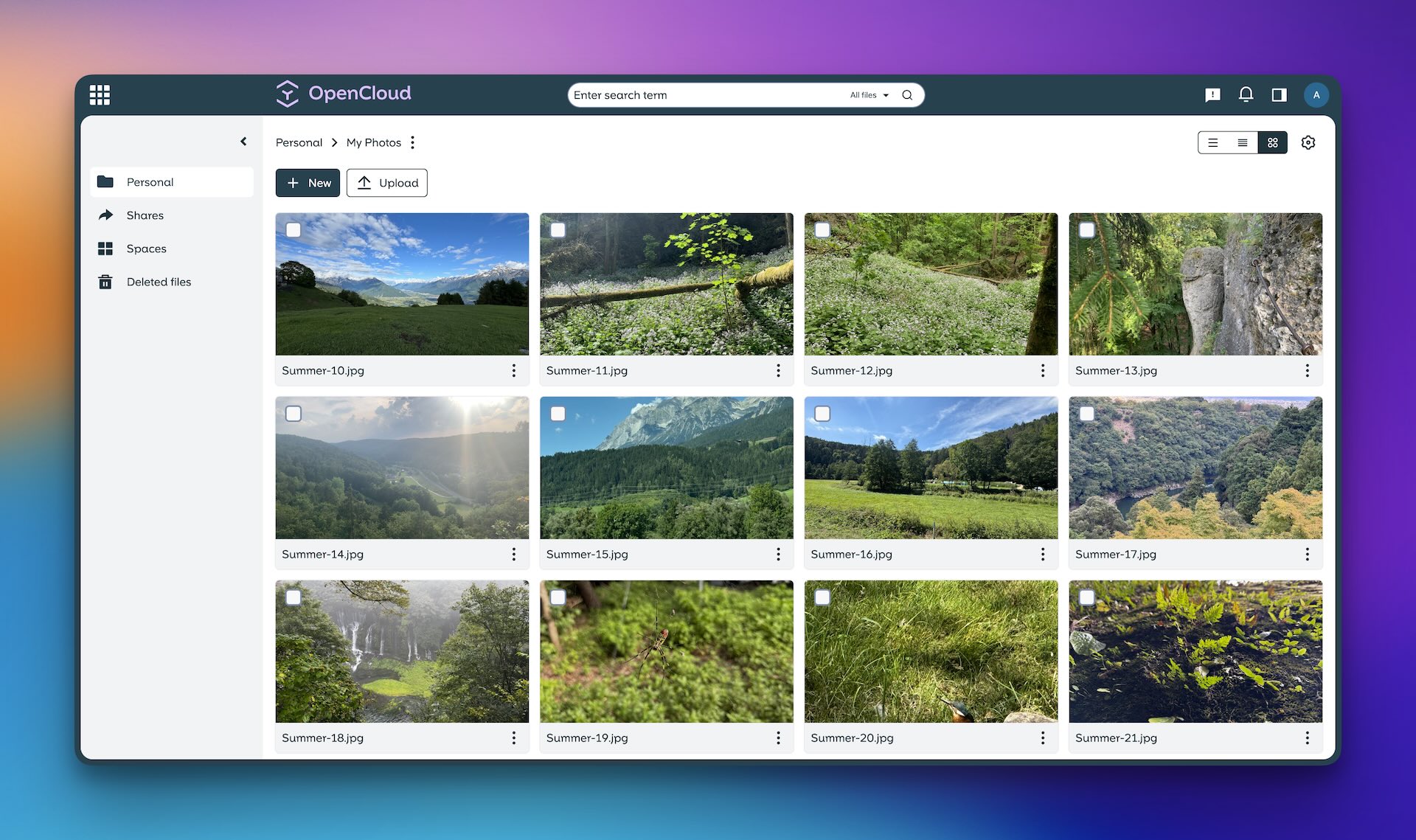
OpenCloud
Installation
Default install:
1
bash -c "$(wget -qLO - https://github.com/community-scripts/ProxmoxVE/raw/main/ct/opencloud.sh)"
Default Credentials
| Username | Password |
|---|---|
admin | randomly generated during the installation process |
Configuration
Config file:
1
/etc/opencloud/opencloud.env, /etc/opencloud/opencloud.yaml, /etc/opencloud/csp.yaml
Notes
Valid TLS certificates and fully-qualified domain names behind a reverse proxy (Caddy) for 3 services - OpenCloud (port: 9200), Collabora (port: 9980), and WOPI (port: 9300) are **REQUIRED**
Forgot your admin password? Check
admin_password in the 'idm' section in /etc/opencloud/opencloud.yaml**Optional External Apps**: extract zip archives from App Store to
/etc/opencloud/web/assets/apps**Optional CalDAV and CardDAV**: requires separate Radicale install. Edit and rename
/etc/opencloud/proxy.yaml.bak and change your Radicale config to use http_x_remote_user as the auth method**Optional OpenID**: Authelia and PocketID supported. Uncomment relevant lines in
/etc/opencloud/opencloud.env and consult OpenCloud GitHub discussions for configuration tips**Optional Full-text Search with Apache Tika**: requires your own Tika LXC. See
https://community-scripts.github.io/ProxmoxVE/scripts?id=apache-tika**Relevant services**:
opencloud.service, opencloud-wopi.service, coolwsd.serviceWeb Interface
Links
This post is licensed under CC BY 4.0 by the author.