Nginx UI
Nginx UI is a comprehensive web-based interface designed to simplify the management and configuration of Nginx servers. It provides features like online statistics, ChatGPT-powered config assistant, automatic Let's Encrypt certificates, and config file editing with syntax highlighting.
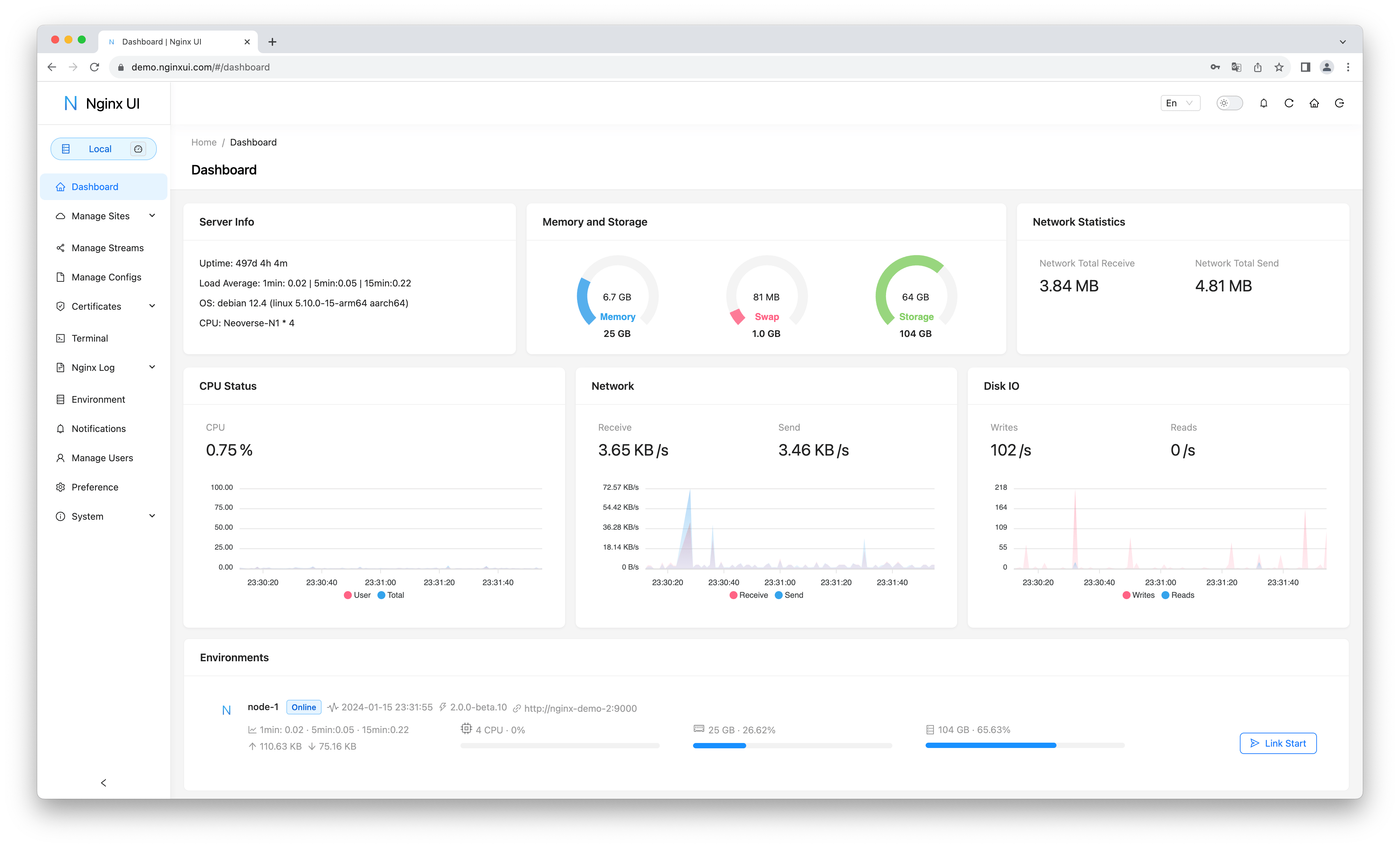
Nginx UI
Installation
Default install:
1
bash -c "$(wget -qLO - https://github.com/community-scripts/ProxmoxVE/raw/main/ct/nginx-ui.sh)"
Configuration
Config file:
1
/usr/local/etc/nginx-ui/app.ini
Notes
On first visit, the setup wizard will guide you to create an admin account and configure ACME email.
Nginx runs on ports 80/443, Nginx UI management interface on port 9000.
SSL certificates can be managed automatically with Let's Encrypt integration.
Web Interface
Links
This post is licensed under CC BY 4.0 by the author.